Shipment & Freight Automation
Shipment & Freight Automation
Ship overseas without a shipping department. Quotes, booking, documents, customs and tracking in ten steps you can see.
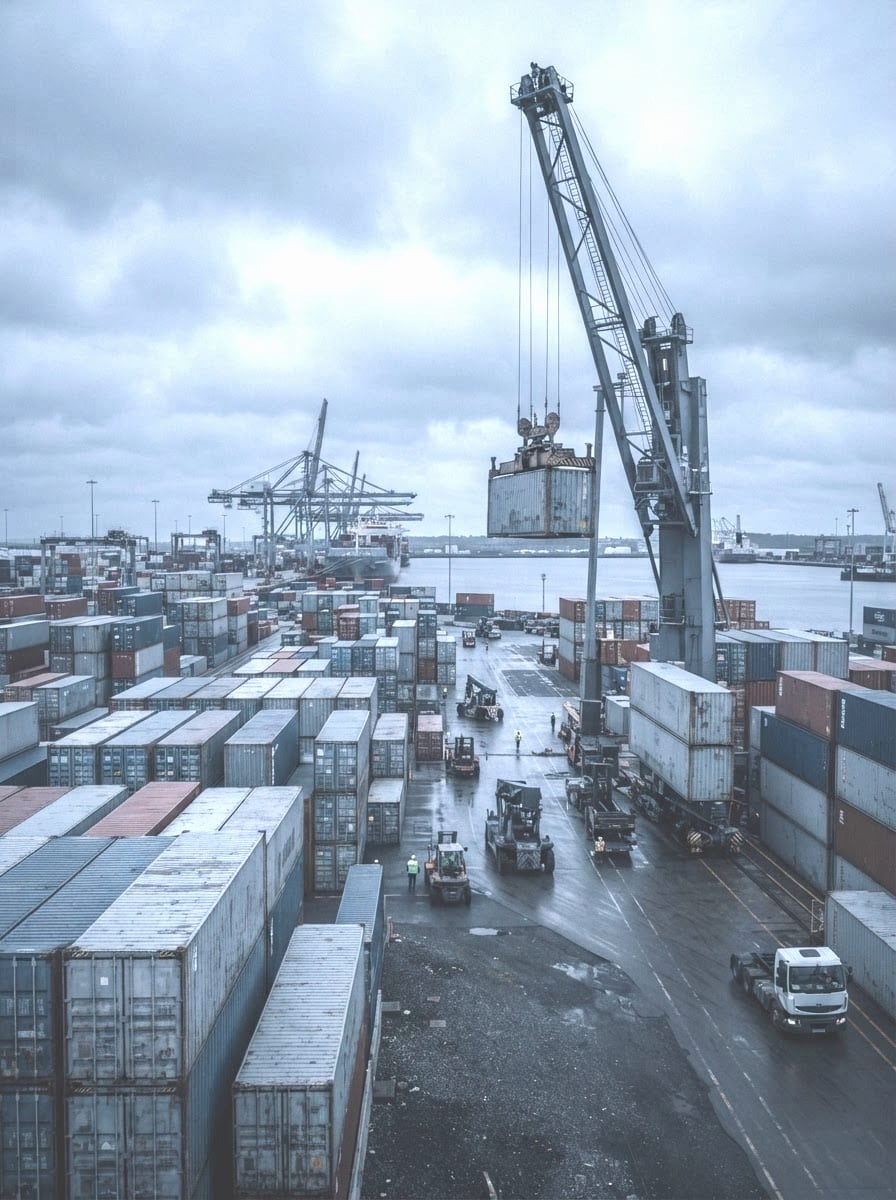
Shipment Steps
Step 1: Describe the shipment
What, how much, from where, to where.
Use @forwarderQuote
Step 2: Compare quotes
Forwarders quote; compare price, transit time and included services.
Use @forwarderQuote
Step 3: Prepare documents
Packing list and commercial invoice drafted from your product list.
Use @documentReader
Step 4: Estimate duty
Duties and tariffs for your product and route before you ship.
Use @customsEstimator
Step 5: Track to the door
Pickup, departure, arrival, customs, warehouse, delivery on one page.
Use @trackingFeed
How it works
- 01
Describe the shipment once
What, how much, from where, to where. That is enough to get forwarder quotes, a duty estimate and the list of documents you will need, before you commit to anything.
- 02
Book and prepare
Pick a quote. The booking, the packing list and the commercial invoice are drafted from your product list. You are told what is still missing and by when. The forwarder and the warehouse see the same shipment page.
- 03
Follow it to the door
Pickup, departure, arrival, customs, warehouse, delivery. One tracking page, shared with your buyer, updated as it moves. When it lands, the warehouse already knows what is coming.
Describe
Quotes that come to you
Forwarders quote on your shipment. Compare price, transit time and included services side by side.
- Side-by-side quotes
- Invite your own forwarder
- Consolidation runs
Prepare
Documents in order
The set for your route and product type, drafted from data you already entered, with a checklist of what is left.
- Packing list
- Commercial invoice
- Missing-document checklist
Follow
Duty before you ship
An estimate of duties and tariffs for your product and route, so the landed cost is known before the port.
- Duty & tariff estimate
- Customs tracking
- Shareable tracking page
Modules in this service
The pieces of the platform this service turns on. Each one also works on its own.
- 10-Step Shipment Hub (Both Directions)Trade & Freight
- Forwarder Quotes & ComparisonTrade & Freight
- Consolidation Runs (Open & Assigned)Trade & Freight
- Trade Document SetTrade & Freight
- Duty & Tariff EstimateTrade & Freight
- Customs Clearance TrackingTrade & Freight
- Door-to-Door Shipment TrackingTrade & Freight
- Forwarder & Carrier OperationsTrade & Freight
Works for every business type.
Pick the role that is yours and see the whole process, step by step.
FAQs
Yes. The ten steps tell you what is needed at each one, and a forwarder does the parts that need a licence.
More in Services
- SOP IngestionTurn your checklists into routines that run
- OCR & Document IntelligencePhotograph a document, it's read and matched
- Workflow OrchestrationOrder to delivery, every hand-off made
- Browser AutomationCarrier and customs portals, filled in for you
- Approvals & GuardrailsAgents propose, you decide
- Ops Intelligence & ReportingLanded cost and partner reviews, live
- Billing & Settlement AutomationInvoices from real work, checked against rates
- Customer Communication & SupportOne room per shipment, updates sent for you
Start with one service. Add the next when you need it.
Every service is a module. Turn on the one that solves today's problem, see it work, then add more. No contract, no onboarding project.