LOS Swarm Robotics
Teach one robot. Every robot knows it.
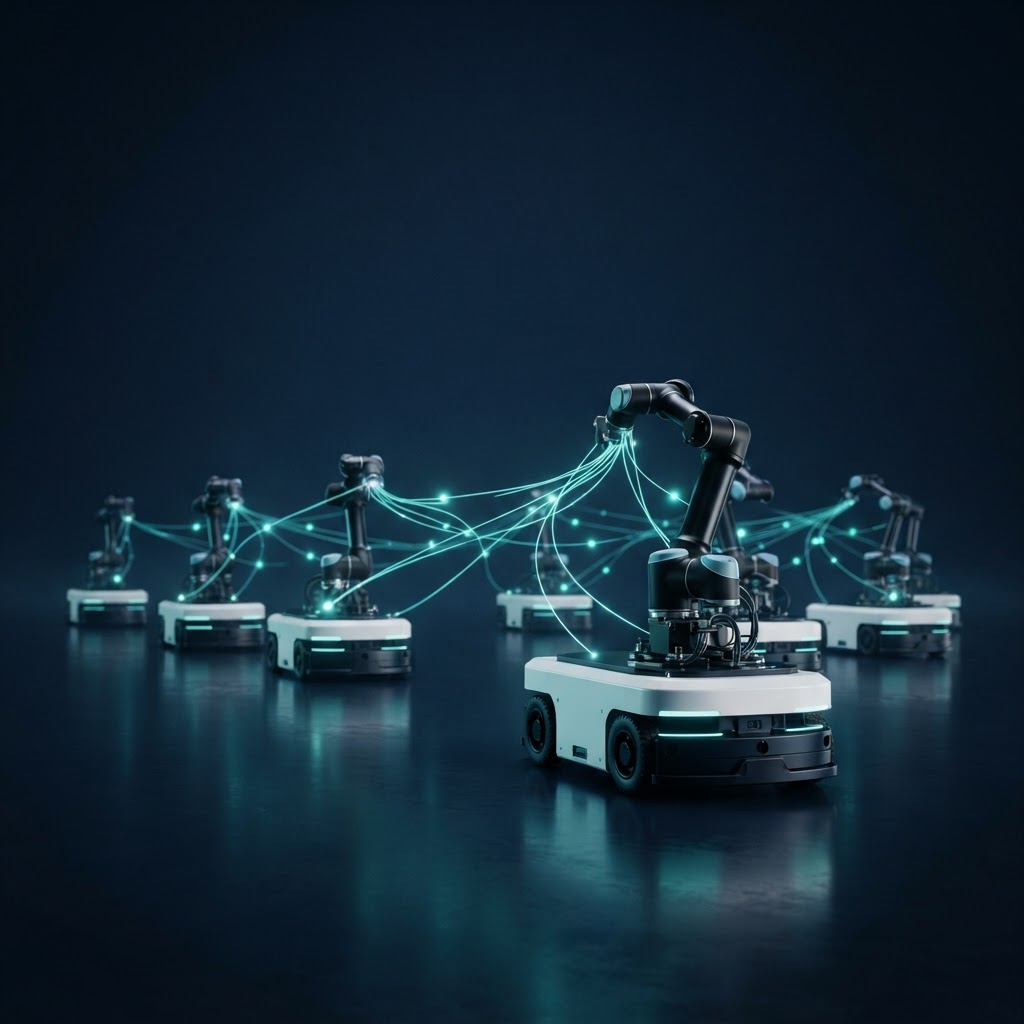
LOS robots work as one swarm. When a robot learns a new skill or solves a hard case, the swarm checks it and copies it to every robot in the fleet - in the same monthly plan as the hardware.
How it works
Learned once. Shared with every robot.
No robot has to learn the same lesson twice. A skill is found on one dock, proven once, then copied across the swarm.
- 1
Learn
One robot meets a new case - a crushed carton, a new box size, a tighter trailer - and works it out, with a remote operator if needed.
- 2
Verify
The new move is replayed and checked against speed, force and safety limits before any other robot uses it.
- 3
Replicate
The approved skill is copied to every robot in the swarm, across docks and sites, in one update.
- 4
Improve
Every robot reports how the skill performs. The swarm keeps the best version and retires the rest.
Robot 01 · Dock 3
Learned: crushed-carton grip
Robot 02
Dock 5
Synced
Robot 03
Dock 1
Synced
Robot 04
Dock 2
Synced
Robot 05
Dock 4
Synced
Robot 06
Site B
Synced
Robot 07
Site B
Synced
Robot 08
Site C
Synced
Robot 09
Site C
Synced
Who it is for
Built for small and mid-size teams
No robotics engineer
LOS sets it up, watches it and updates it. Your team presses start.
Start with one robot
One dock, one robot. Add the next when the numbers say so.
No warehouse rebuild
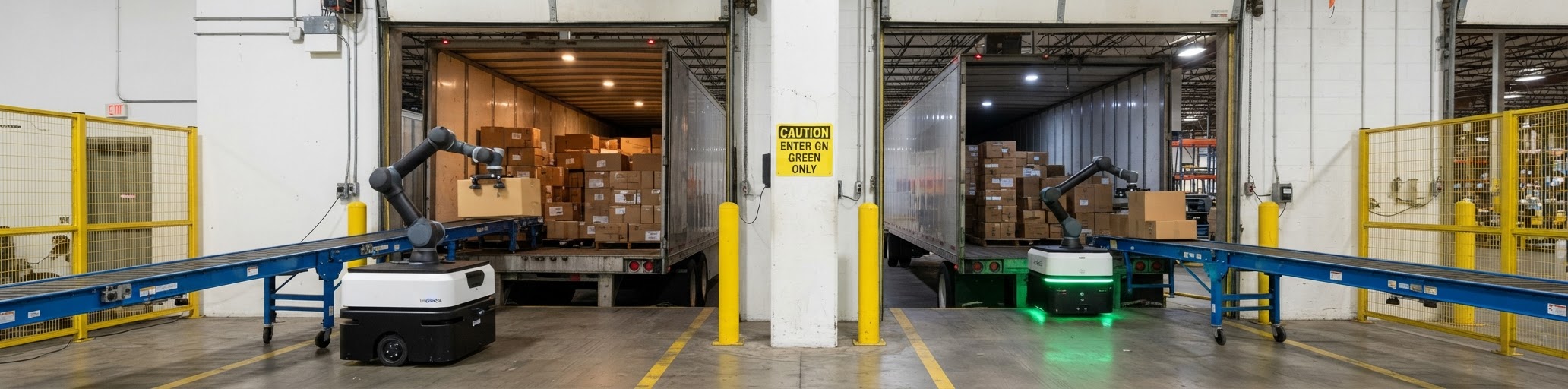
It works in the space, docks and racks you already have.
The screens you know
Orders, receiving and exceptions show in the same LogisticOS screens.
From a site check to a fleet
- 01
Site check
We look at your docks, cartons and volume and pick the arm for the job.
- 02
Pilot
8 to 12 weeks on one dock, with your own freight.
- 03
Run
The robot works your shifts. You see every container on the dashboard.
- 04
Grow
Add robots, arms and docks as your volume grows.
People in the loop
When the robot is unsure, it asks.
One remote operator looks after many robots. Every answer they give becomes something the whole swarm knows.
Step 1
AI first
The robot handles the case on its own when it is sure.
Step 2
Remote operator
A hard case goes to a LOS operator, who guides the pick remotely. The fix is shared with the swarm.
Step 3
Your team
Only what needs hands on site reaches you, with a photo of the case.
Visibility
See every container, and every robot.
Every case is scanned as it comes off the trailer and received into the WMS. Each container gets its own report, and each robot shows the skills it runs.
- Count, time and exceptions per container
- Which skill version each robot runs
- Receipts land in the WMS as the cases are scanned
- On your desk and on your phone
- Cases per hour
- 612
- Uptime today
- 98.4%
- Exceptions waiting
- 2
- Containers this week
- 37
- 618/h
Dock 3 · Robot 01
Unloading
- 402/h
Dock 5 · Robot 02
Mixed pallets
- Paused
Dock 1 · Robot 03
Unloading
Cases per hour, this shift
Dock 1 · crushed carton
A remote operator is looking. The fix will sync to the swarm.
Skills
New skills, same robot
Unload today, palletize next season. A new skill arrives as an update - the robot you already rent learns the job. No upgrade fee inside the plan.
Learns from the whole fleet
When one robot works out a hard case, every robot gets it. The more sites LOS runs, the fewer cases need a person.
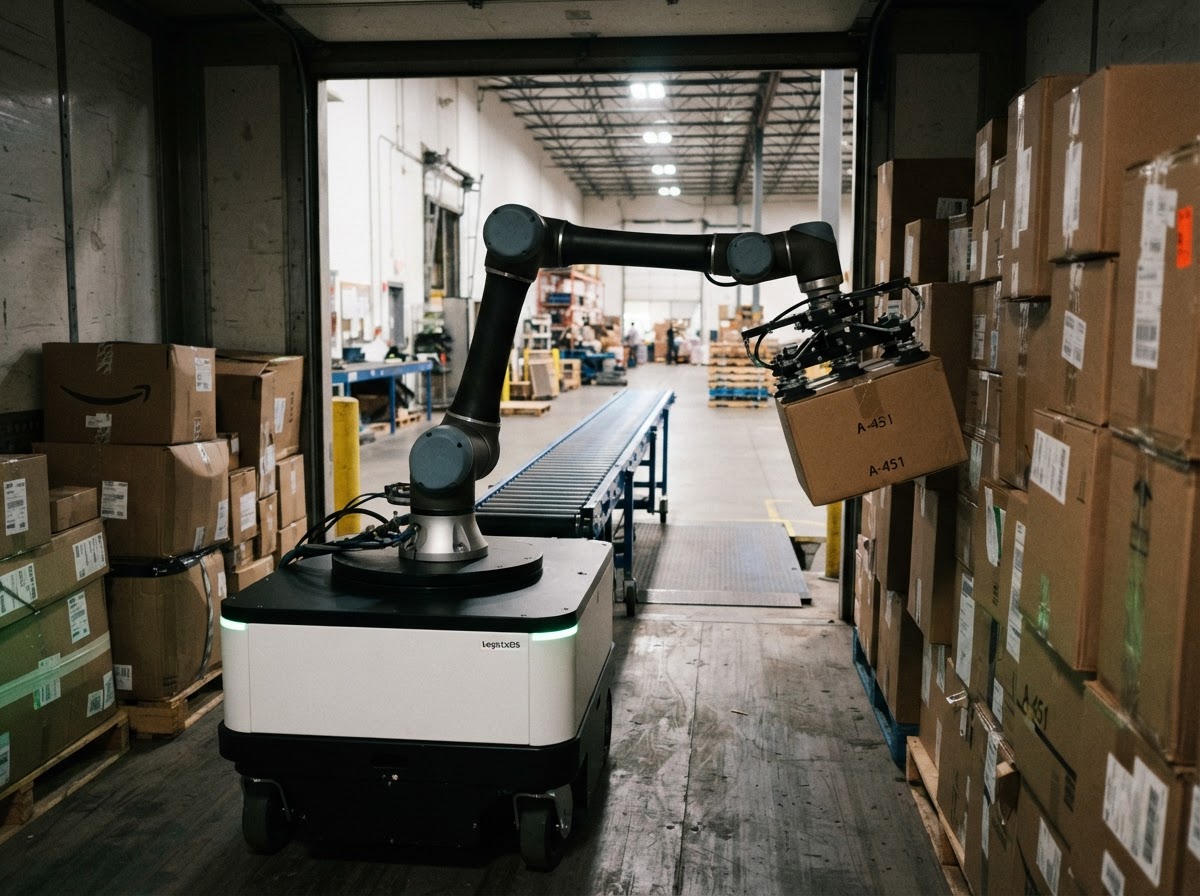
Unloading
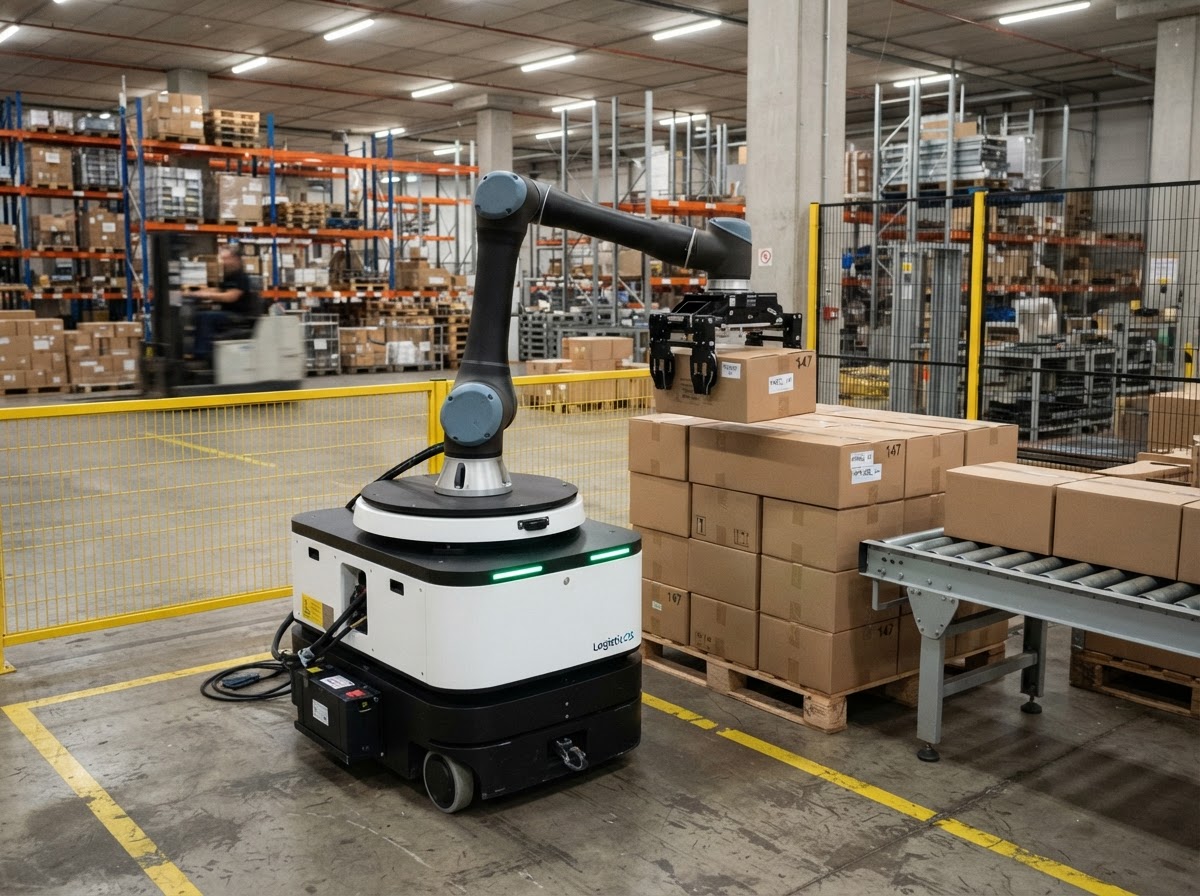
Mixed pallets
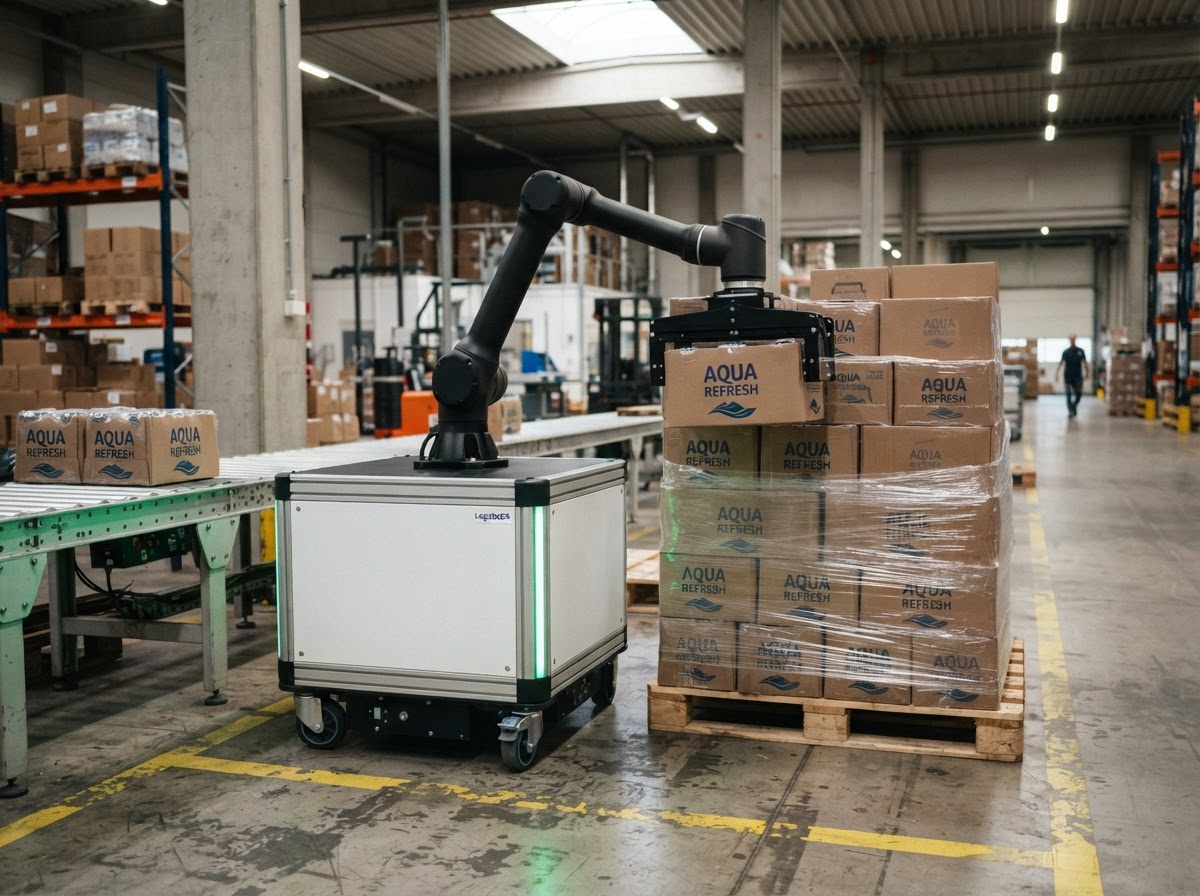
Palletizing
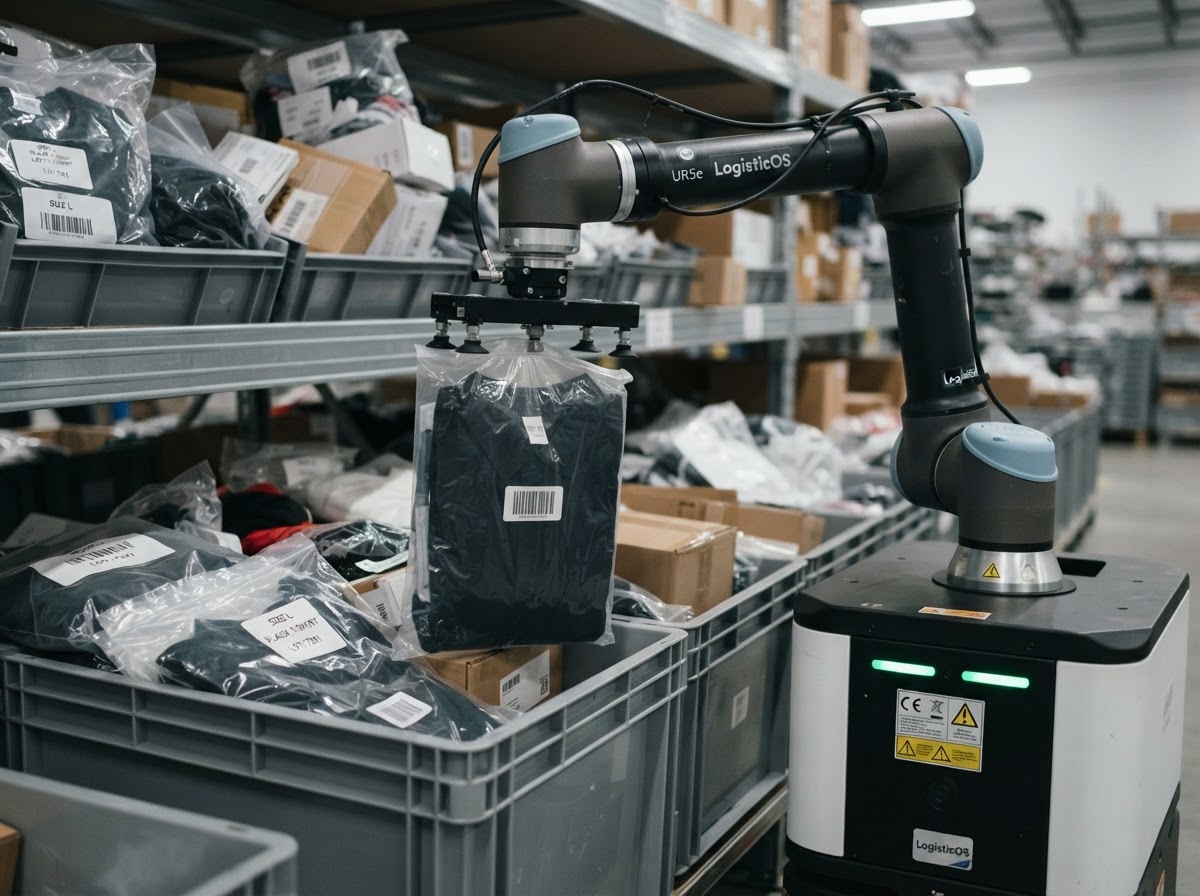
Small-carton picking
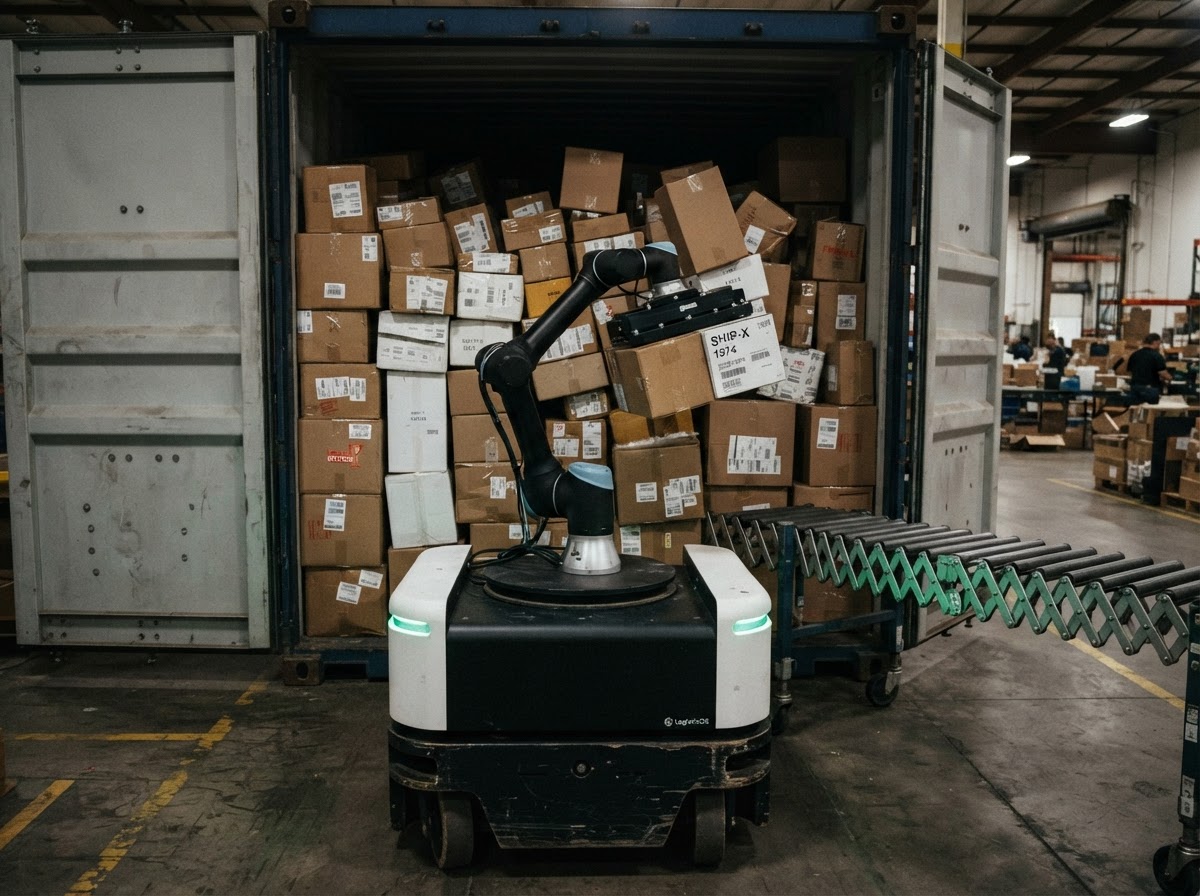
Truck loadingLater
Rental
One monthly plan
Hardware, swarm software and support on one bill.
- No upfront cost
- No capital purchase and no installation invoice.
- No long-term contract
- Month to month after the pilot.
- Scale up or down
- Add robots for peak season. Hand them back when it is quiet.
- Pay for the work done
- The plan counts the work the robot does, such as containers unloaded.
Planning
Plan your shifts around it
A steady rate per dock makes the day predictable. Plan staff around it, and run a quiet night shift with one person watching.
Sample day, one dock
6 am2 pm10 pm6 am
Robot
Works all three shifts
People
Day
6 am - 2 pm
Dock team
Evening
2 pm - 10 pm
Dock team
Night
10 pm - 6 am
One person watching
Steady, day or night
The same pace at the start of the shift and the end.
Peaks planned, not chased
Book robot hours ahead of the season.
Fewer heavy lifts
Your team moves to checking and exceptions.
Integrations
Works with the systems you already run.
Orders come in from your store, receipts and invoices go back to your books - the same connections LogisticOS runs today, now feeding the robot's work.
ShopifyStore
Orders in, stock and tracking out.
Live in LogisticOS
WooCommerceStore
Orders and stock kept in sync.
Live in LogisticOS
Amazon SellerMarketplace
Marketplace orders in the same queue.
Live in LogisticOS
QuickBooksAccounting
Invoices and receipts go to your books.
Live in LogisticOS
XeroAccounting
The same, for teams on Xero.
Live in LogisticOS
Slack and TelegramAlerts
Exceptions and approvals where your team talks.
Live in LogisticOS
CSV and ExcelFiles
Bring orders and item lists as files.
Live in LogisticOS
REST API and webhooksYour systems
Connect your own WMS or ERP.
Live in LogisticOS
Roadmap
Where LOS is today
Now
Cloud WMS in service
The software layer runs today in LogisticOS.
Next
Lab set
The first base and arm working together in the lab.
Then
First site pilot
One robot on a customer dock, with real freight.
Later
More sites, all four arms
A fleet across docks, sized arm by arm.
FAQs
How the swarm learns, stays safe and fits your dock.
It is how LOS robots share what they learn. A skill or fix found by one robot is checked, then copied to every robot in the fleet, so each robot gains from the work of all of them.
Be one of the first sites.
Pilot sites shape LOS and get the first robots. Investors can ask us for the plan.